


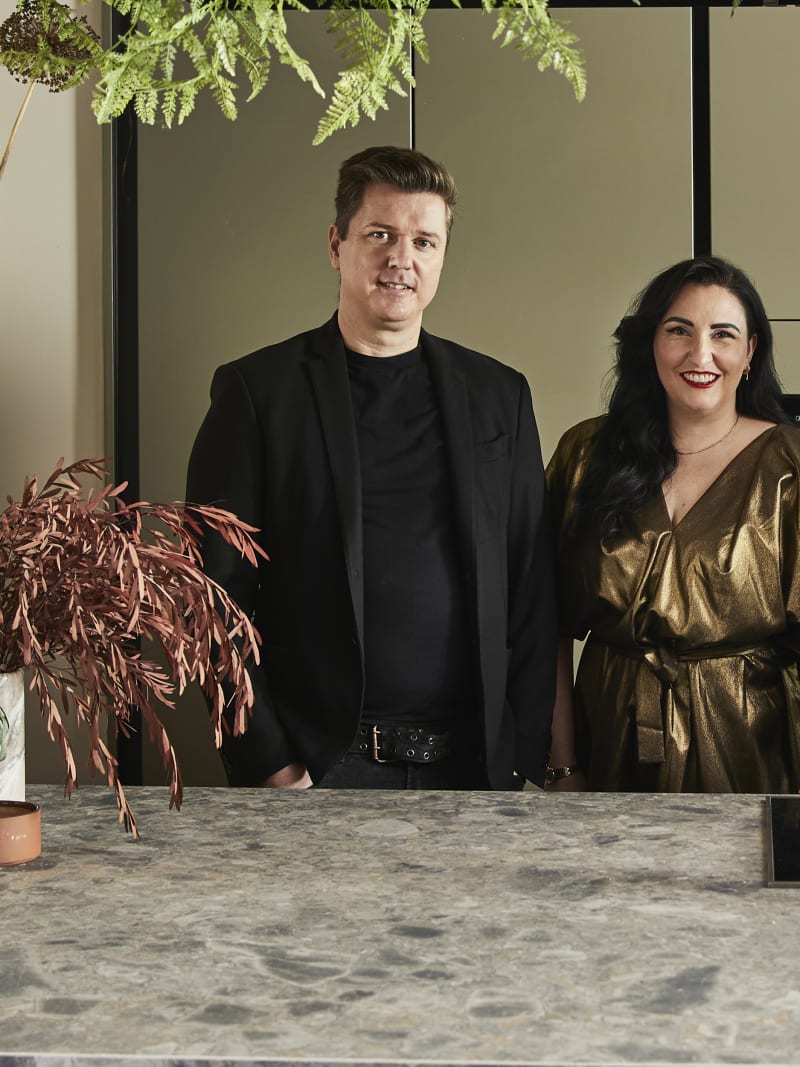


Cabinets are the foundations of your kitchen, and we’ve got a range of traditional Shaker, slab-fronted modern and smooth handleless designs for you to choose from.
Handleless kitchens
Handleless kitchens
Create something wonderful with Magnet’s kitchen planning tools. From finding your ideal kitchen style to seeing your ideas brought to life in a 3D plan, we’ve got the tools to make your dream kitchen a reality.
Book a free kitchen design appointment with one of our friendly kitchen designers to discuss your needs and style ideas.

Our kitchen planning tools allow you to customise your kitchen down to the smallest details so it fits your space perfectly – and importantly, it fits your family.
There are many elements to consider when planning a kitchen, from major factors like layout to finer details such as materials. Once you've decided on your design, consider how you will coordinate your kitchen's colours, materials, and accessories to reflect your overall aesthetic.
If you’re still scrolling for kitchen inspiration and you’re struggling to narrow down your ideas, try our style finder quiz. We’ll take your preferred colours and themes, and find your perfect match from the Magnet kitchen range.
Whether you're looking for a kitchen with a nod to tradition or the clean lines of minimalism, we have something to suit your style. Choose between timeless Shaker cabinets, modern slab or handleless cabinet doors. With different finishes and colour options available, the possibilities to customise your kitchen are endless.
Created by us. Styled by you. See how our customers have brought their Magnet kitchen to life and find inspiration for your own kitchen design.
Book your free design appointment today with a Magnet kitchen planner, available in-person or via video call. You’ll be assigned your own dedicated kitchen designer who will work with you from start to finish.
Your first meeting is about sharing your ideas and your kitchen goals. We’ll take you through our kitchen ranges and help you select the cabinets, worktops and accessories that suit your style, space, and budget.
To help us along the way, bring your kitchen measurements with you so we can get a better idea of the space. A rough estimate is all that’s required at this stage (we’ll take exact measurements later in the process).
How to prepare for your design appointment.
Our designers use advanced kitchen design software to create customised plans tailored to our customers' requirements. You’ll be able to see what your kitchen will look like with a 3D model and make changes to the design before you order.
Your designer will upload your 3D plan and a personalised quote to a dedicated area of our website, where you can log in to make adjustments or share it with your friends and family.


In a hurry to find out more? Get an instant quote for your kitchen before you meet with us in person. Our quick and easy-to-use kitchen calculator tool provides a rough estimate of the cost for your new kitchen, based on your selected range, units, appliances, and installation package.
Our kitchen layouts range from 8 to 16+ units, meaning you’re sure to find the perfect layout no matter what the size of your space. You can choose between a total or a monthly estimate, depending on which payment method suits you best. Save your quote by opting to have us email you an itemised list.
If you’re seeking inspiration, our kitchen styles are a great place to start. Whether you're looking for a kitchen with a nod to tradition or the clean lines of minimalism, we have something to suit your style.
Choose between our timeless Shaker, sleek Slab or modern Handleless cabinet doors, which will form the foundation of your kitchen redesign. With different finishes and colour options, the possibilities to personalise your cabinetry are endless. We have a curated palette of on-trend kitchen colours to choose from.
Team your perfect cabinets with handles that compliment your aesthetic, or choose our Integra kitchen ranges for a handleless design if you want a sleek, ultra-modern look.
Access our kitchen design tool when you book a free online or in-store design appointment.
Start by drawing out a floor plan, including permanent fixtures in the room. Then sketch out each wall with any existing cabinets or sloping ceilings included. Make note of measurements for each wall on your sketches. Photos are also helpful to give our design teams an idea of the room. You can find more tips with our kitchen measurement guide.


